
eSIM Compatible Phones: How to Check If Your Device Supports eSIM
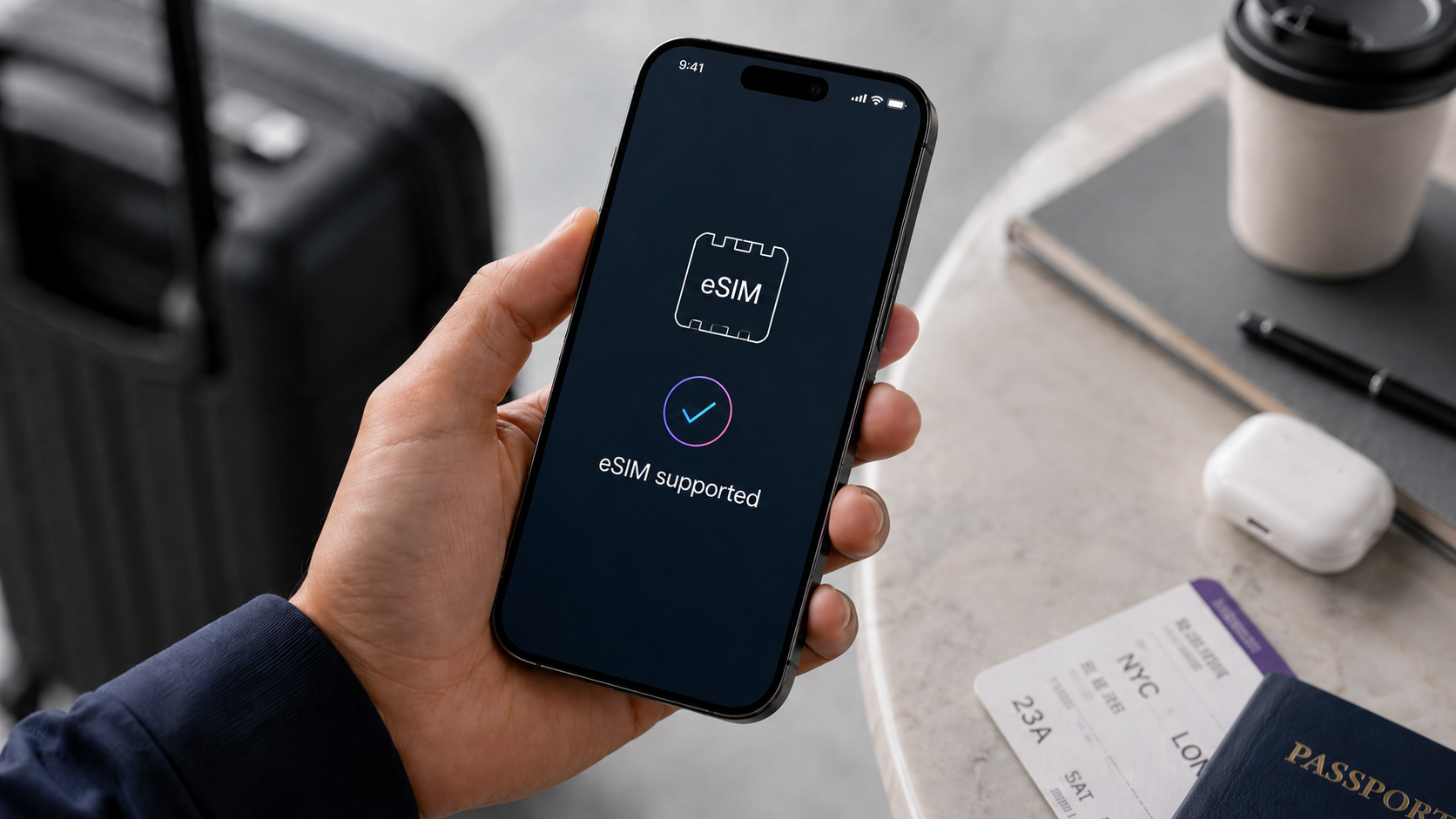
Person checking if their smartphone supports eSIM before using a travel eSIM
eSIM Compatible Phones: How to Check If Your Device Supports eSIM
Before you buy a travel eSIM, there is one important question to answer: does your phone actually support eSIM?
Most travelers search for eSIM compatible phones because they want to avoid buying a plan that will not work on their device. This is especially important before international travel, where you may need mobile data abroad for maps, bookings, ride-hailing, messages, email, and travel apps as soon as you land.
An eSIM can be a simple way to use a travel data plan without changing a physical SIM card. But not every phone supports eSIM, and some devices may support eSIM only in certain regions or carrier versions.
This guide explains how to check eSIM support on iPhone, Samsung, Google Pixel, and other Android devices before you buy a duasim eSIM.
Quick Answer: How to Check If Your Phone Supports eSIM
The fastest way to check if your phone supports eSIM is to use a compatibility checker or look inside your phone settings.
Before buying a travel eSIM, check three things:
- Your phone model supports eSIM
- Your phone is unlocked or can use another carrier
- Your device software is updated
- Your destination and eSIM plan are supported
- You have Wi-Fi available for installation
duasim offers an eSIM Compatibility Checker where users can search from a database of 218+ compatible devices. This is a useful first step before choosing a duasim eSIM plan. (duasim)
What Does “eSIM Compatible” Mean?
An eSIM-compatible phone has built-in technology that can store and use a digital SIM profile. Instead of inserting a physical SIM card, you install the mobile plan digitally.
An eSIM is also known as:
- A digital SIM card
- A virtual SIM card
- An embedded SIM
- A digital mobile plan
For travel, this means you can often buy an eSIM online, install it with a QR code or app, and use mobile data abroad without removing your main SIM card.
However, eSIM compatibility depends on the exact device model, region, and carrier settings. Two phones with similar names may not always have the same eSIM support, especially if they were sold in different countries.
Which iPhones Are eSIM Compatible?
For iPhone users, the general rule is simple: Apple says you need an iPhone XS, iPhone XS Max, iPhone XR, or later to use eSIM while traveling internationally. Apple also says your iPhone must be connected to Wi-Fi or a hotspot for setup in most countries and regions. (Apple Support)
Examples of eSIM-compatible iPhone models usually include:
- iPhone XS, XS Max, and XR
- iPhone 11 series
- iPhone 12 series
- iPhone 13 series
- iPhone 14 series
- iPhone 15 series
- iPhone 16 series
- iPhone 17 series, where available
- Recent iPhone SE models with eSIM support
Apple also notes that if your iPhone has a SIM tray, you can use both a physical SIM and an eSIM while traveling internationally. This is useful if you want to keep your main number active while using a travel eSIM for data. (Apple Support)
How to check eSIM support on iPhone
To check if your iPhone supports eSIM:
- Open Settings
- Tap Cellular or Mobile Data
- Look for Add eSIM
- You can also go to Settings > General > About
- Check if your device has an EID number
If your iPhone shows Add eSIM or an EID, it usually supports eSIM.
Check if your iPhone is unlocked
Compatibility is not only about the phone model. Apple explains that to use an iPhone with another carrier while traveling internationally, the iPhone cannot be locked to a carrier. You can check this under Settings > General > About; if the phone is unlocked, “No SIM Restrictions” appears next to Carrier Lock. (Apple Support)
This matters because a locked phone may not accept a travel eSIM from another provider.
How to Check eSIM Compatible Android Phones
Android eSIM support depends on the manufacturer, model, country, and sometimes carrier version. Many newer Android phones support eSIM, but you should always check before buying.
A general Android check is:
- Open Settings
- Go to Network & Internet, Connections, or Mobile Network
- Tap SIMs, SIM Manager, or Mobile Plan
- Look for Add eSIM, Add mobile plan, or Download a SIM
- Check whether your device has an EID number
If your phone has an EID and shows an option to add an eSIM, it is likely eSIM compatible.
You can also search your device model on the duasim compatibility checker before buying a plan.
How to Check eSIM Support on Samsung Galaxy
Samsung’s menu names can vary slightly by region and software version, but the general idea is simple.
To check on a Samsung Galaxy phone:
- Open Settings
- Tap Connections
- Tap SIM Manager
- Look for Add eSIM or Add mobile plan
Samsung also explains that users can check device specifications on Samsung Support by selecting their device, opening Spec, then Network/Bearer, and looking under SIM Size for Embedded-SIM. (Samsung)
Many Samsung Galaxy S, Z Fold, Z Flip, Note, and selected A-series models support eSIM, but support can vary by region. Always check your exact device model, not only the product family.
How to Check eSIM Support on Google Pixel
Google Pixel phones are commonly used with eSIM, but support can still depend on model and region.
Google’s Pixel Help explains that users can set up a new eSIM by opening Settings, then tapping Network & internet > SIMs > Add SIM > Set up an eSIM, and following the on-screen instructions. (Google Help)
To check your Pixel:
- Open Settings
- Tap Network & internet
- Tap SIMs
- Tap Add SIM
- Look for Set up an eSIM
If this option appears, your Pixel likely supports eSIM.
Google also explains that Pixel users can have multiple eSIM profiles on the same phone and switch between lines or manage international plans while traveling. (Google Help)
Other Android Brands That May Support eSIM
Many other Android brands offer eSIM support on selected models, including Motorola, Xiaomi, Oppo, Sony, Huawei, Honor, and others. But compatibility is not universal.
If you use another Android brand, check:
- The official manufacturer specifications
- Your phone’s settings for “Add eSIM”
- Whether an EID number appears
- Whether the phone is carrier unlocked
- The duasim compatibility checker
Do not assume a phone supports eSIM only because it is new. Some newer models still do not include eSIM, and some regional versions may differ.
Why Carrier Lock Matters
Even if your device supports eSIM, a locked phone may not work with another provider’s eSIM.
A carrier-locked phone is restricted to one mobile provider. If you try to install a travel eSIM from another provider, the phone may block it.
Before buying a travel eSIM, check whether your phone is unlocked. On iPhone, Apple says “No SIM Restrictions” next to Carrier Lock means the device is unlocked. (Apple Support)
For Android, the wording depends on the brand and carrier. If you are unsure, contact your mobile provider and ask whether your device is unlocked for other SIMs and eSIMs.
eSIM Compatible Phones for Travel: What Else to Check?
Finding out that your phone supports eSIM is the first step. Before traveling, check a few more things.
1. Check destination coverage
Make sure the eSIM plan covers the country or region you are visiting. If you are traveling to several countries, a regional or global plan may be more practical.
2. Check plan validity
An eSIM plan usually has a validity period. Choose one that covers your full trip.
3. Check data amount
Choose enough data for your travel style. Maps and messaging use less data, while hotspot, social media, video calls, and streaming use more.
4. Install before departure
Install your eSIM while you have stable Wi-Fi. Apple says iPhone setup usually requires Wi-Fi or a hotspot in most countries and regions. (Apple Support)
5. Set your travel eSIM as mobile data
When you arrive, choose your travel eSIM as the mobile data line. This helps your phone use the travel data plan instead of your home carrier’s roaming data.
How duasim Helps You Check and Use eSIM
duasim is designed for travelers who want simple mobile data abroad without changing physical SIM cards. Before buying, users can check device support with the duasim compatibility checker, which includes a searchable database of 218+ compatible devices. (duasim)
A duasim eSIM may be useful if you want:
- A travel eSIM for your destination
- Country, regional, or global eSIM options
- Easy eSIM setup
- No physical SIM card
- Mobile data abroad for maps, apps, messages, and work
- eSIM management through the duasim app
After checking compatibility, you can browse duasim eSIM plans by destination, choose the plan that fits your trip, install your eSIM, and use mobile data abroad.
Common Reasons an eSIM May Not Work
If your phone appears compatible but the eSIM does not install, these are common causes:
- The phone is locked to another carrier
- The device model does not support eSIM in your region
- The phone software needs an update
- There is no stable Wi-Fi during installation
- The eSIM was already installed on another device
- The QR code was scanned incorrectly
- The wrong SIM line is selected for mobile data
- The plan does not cover your destination
If you are not sure, check compatibility again and review the installation instructions before your trip.
FAQ: eSIM Compatible Phones
What are eSIM compatible phones?
eSIM compatible phones are devices that support a digital SIM profile. This lets you install a mobile plan digitally instead of inserting a physical SIM card.
How do I check if my phone supports eSIM?
You can check your phone settings for Add eSIM, Add mobile plan, Download a SIM, or an EID number. You can also use the duasim compatibility checker to search your device.
Which iPhones support eSIM?
Apple says iPhone XS, iPhone XS Max, iPhone XR, or later can use eSIM for international travel. Some regional limitations may apply, so always check your exact device and carrier status. (Apple Support)
Are all Android phones eSIM compatible?
No. Many newer Android phones support eSIM, but not all Android devices do. Compatibility depends on brand, model, region, and sometimes carrier version.
How do I check eSIM support on Samsung?
On Samsung, go to Settings > Connections > SIM Manager and look for Add eSIM or Add mobile plan. Samsung also says you can check official device specs and look for Embedded-SIM under SIM Size. (Samsung)
How do I check eSIM support on Google Pixel?
On Pixel, go to Settings > Network & internet > SIMs > Add SIM and look for Set up an eSIM. Google lists this as the setup path for adding a new eSIM. (Google Hjelp)
Do I need an unlocked phone to use a travel eSIM?
Yes, in most cases you need an unlocked phone to use a travel eSIM from another provider. Apple says an iPhone must not be locked to a carrier to use another carrier while traveling internationally. (Apple Support)
Can I use my normal number and a travel eSIM at the same time?
Often, yes. Many modern phones support dual SIM use, allowing your main line to stay active while your travel eSIM is used for mobile data. Apple notes that supported iPhone models can use a physical SIM and eSIM while traveling internationally if the iPhone has a SIM tray. (Apple Support)
Conclusion: Check eSIM Compatibility Before You Buy
Checking eSIM compatible phones before you buy a travel eSIM is one of the easiest ways to avoid setup problems. Start by checking your phone model, looking for Add eSIM or an EID number, and confirming that your device is unlocked.
For iPhone, Samsung, Pixel, and other Android users, the key is to check the exact model and region, not just the brand name. Once you know your device supports eSIM, you can choose a country, regional, or global travel plan with more confidence.
Before your next trip, visit duasim.com or open the duasim app to check compatibility, choose your destination, and buy the duasim eSIM plan that fits your travel needs.