
How to Avoid Roaming Charges When Traveling Abroad
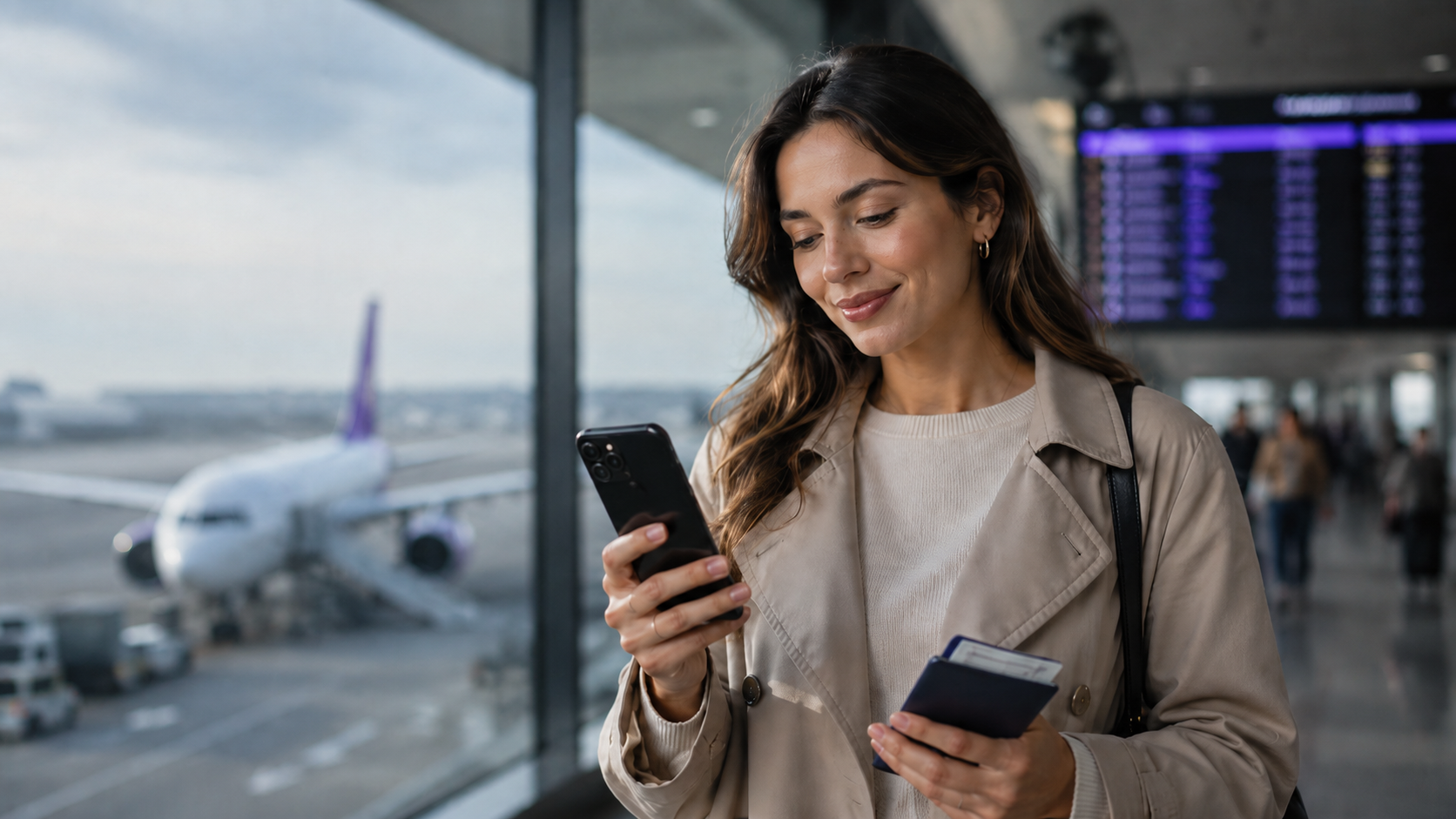
Traveler using a smartphone abroad to avoid roaming charges and stay connected
How to Avoid Roaming Charges When Traveling Abroad
Roaming charges can turn a normal trip into an expensive surprise. You arrive in another country, use your phone for maps, messages, hotel bookings, transport apps, and a few quick searches, and later discover that your mobile bill is much higher than expected.
The good news is that roaming charges are avoidable. With the right settings, a clear data plan, and a little preparation before departure, you can stay connected abroad without relying on expensive international roaming.
One of the simplest ways to avoid roaming charges is to use a travel eSIM instead of your home operator’s roaming data. A travel eSIM gives you a prepaid mobile data plan for your destination, so you can use data abroad with more control and fewer surprises.
What are roaming charges?
Roaming charges are fees from your mobile operator when you use your phone outside your home network. When you travel abroad, your phone may connect to a local network in the country you are visiting. Your home operator then charges you based on its international roaming rules.
Roaming can apply to:
- mobile data
- phone calls
- SMS messages
- voicemail
- background app activity
- automatic updates
- photo and cloud backups
Mobile data is often the biggest problem. Even if you are not actively using your phone, apps can still use data in the background. Email, messaging apps, cloud storage, maps, social media, and software updates can all create roaming costs if your phone is connected to mobile data abroad.
Why roaming charges can become expensive
Roaming can become expensive because it is often less predictable than a prepaid data plan. Some operators charge daily roaming fees. Others charge by destination zone, by megabyte, or by usage after a small included allowance.
The cost can also depend on where you travel. Your home plan may include roaming in some countries but not in others. A destination that seems close or common for travel may still be expensive if it is outside your operator’s included roaming area.
Roaming charges often happen because travelers:
- forget to turn off data roaming
- assume their plan works the same abroad
- use maps and travel apps without checking data costs
- let apps refresh in the background
- upload photos and videos using mobile data
- stream music or video while abroad
- use hotspot without realizing how much data it consumes
- receive calls or voicemail while traveling
This is why it is important to prepare your phone before leaving, not after charges have already started.
Turn off data roaming on your primary SIM
The most important step is to turn off data roaming on your primary SIM before you travel. This helps prevent your regular mobile plan from using data abroad automatically.
On most smartphones, you can find this setting under mobile data, cellular data, or SIM settings. The exact wording depends on your device.
Turning off data roaming on your main SIM helps reduce the risk of unexpected data charges from your home operator. It is especially important if you plan to use Wi-Fi, a local SIM card, or a prepaid eSIM instead.
If you use a travel eSIM, remember that some eSIM plans may require data roaming to be enabled on the eSIM line itself. The key is to keep data roaming off for your regular SIM while using the eSIM correctly for mobile data.
Use a travel eSIM instead of roaming
A travel eSIM is one of the easiest ways to avoid roaming charges when traveling abroad. Instead of using mobile data through your home operator, you buy a prepaid eSIM data plan for your destination.
With duasim, you can browse prepaid eSIM plans by destination before your trip and choose a plan that fits your travel route, data needs, and trip length.
A travel eSIM can help you avoid roaming charges because:
- it is prepaid
- it gives you a separate data plan for travel
- it can be installed before departure
- it does not require a physical SIM card
- it lets you keep your regular SIM card in your phone
- it gives you more control over mobile data abroad
If you are new to eSIM technology, read our guide explaining what a travel eSIM is and how it works before choosing a plan.
Compare eSIM and roaming before your trip
Before traveling, compare the cost of roaming with the cost of a prepaid eSIM. This gives you a clearer idea of which option makes sense for your trip.
Roaming may be acceptable if your mobile plan already includes the country you are visiting. But if your destination is outside your included roaming area, or if your operator charges daily fees, a prepaid eSIM may be cheaper and easier to control.
When comparing eSIM vs roaming, consider:
- your destination
- how many days you are traveling
- how much data you expect to use
- whether your operator charges daily roaming fees
- whether your plan has data limits abroad
- whether you are visiting one country or several
- whether you need hotspot sharing
- whether your phone supports eSIM
For a deeper comparison, read our guide to eSIM vs roaming for international travel.
Check if your phone supports eSIM
Before buying a travel eSIM, check whether your phone supports eSIM. Many newer iPhones, Samsung Galaxy devices, Google Pixel phones, and other modern smartphones support eSIM, but compatibility depends on the device model and sometimes the region where it was purchased.
You can check if your phone supports eSIM before choosing a plan.
Your phone should also be unlocked, updated, and connected to Wi-Fi during installation. If your phone is locked to one operator, you may not be able to use another mobile data plan abroad.
Checking compatibility before travel helps you avoid problems when you arrive at your destination.
Install your eSIM before departure
It is usually best to install your eSIM before you leave, while you still have stable Wi-Fi. This gives you time to follow the setup instructions, check your phone settings, and make sure everything is ready before your trip starts.
A good setup process is:
- Choose your destination or regional eSIM plan.
- Install the eSIM while connected to Wi-Fi.
- Keep your primary SIM active if you want to use your normal number.
- Select your eSIM as the mobile data line when you are ready.
- Keep data roaming off on your primary SIM.
- Enable data roaming for the eSIM line if required by the plan.
If you need help with installation or activation, visit the duasim eSIM FAQ and support page.
Use Wi-Fi carefully
Wi-Fi can help you reduce mobile data use, but it should not be your only plan. Hotel, airport, café, and public Wi-Fi can be useful for light browsing, messaging, or downloading maps, but availability and quality can vary.
Public Wi-Fi can also be slow, crowded, unstable, or less secure than mobile data. You may not want to rely on it for transport apps, payment services, banking, work tools, or situations where you need immediate access.
A good strategy is to use Wi-Fi when it is available and trustworthy, but keep a prepaid data option ready for when you need reliable mobile internet on the move.
Download maps and travel information offline
Before your trip, download important information while you are connected to Wi-Fi. This can reduce mobile data use abroad and help you stay prepared if your connection is weak.
You can download:
- offline maps
- hotel confirmations
- boarding passes
- train and bus tickets
- attraction tickets
- translation language packs
- travel documents
- restaurant lists
- destination guides
Offline preparation is especially useful for road trips, remote areas, airports, border crossings, and destinations where public Wi-Fi may not be reliable.
Even with an eSIM, downloading key information in advance can help you use less data and avoid unnecessary costs.
Turn off background app refresh
Background app activity can use data without you noticing. Apps may update content, sync messages, refresh feeds, back up photos, or download notifications while running in the background.
Before traveling, turn off background app refresh or limit it to Wi-Fi only. This can reduce unnecessary data use and help your prepaid data plan last longer.
You should pay special attention to:
- cloud backup apps
- photo and video apps
- email apps
- social media apps
- streaming apps
- navigation apps
- messaging apps
- app stores and software updates
This step is useful whether you use roaming, a local SIM card, or a travel eSIM.
Disable automatic updates and cloud backups
Automatic app updates and cloud backups can use a lot of data. If your phone updates apps or backs up photos over mobile data while you are abroad, your data allowance can disappear quickly.
Before departure, set app updates, system updates, and cloud backups to Wi-Fi only. This is especially important if you take many photos or videos while traveling.
If you use iCloud, Google Photos, Google Drive, Dropbox, OneDrive, or similar services, check the settings before your trip. Make sure uploads and backups do not happen over mobile data unless you specifically want them to.
Monitor your data usage while traveling
Even with a prepaid eSIM, it is smart to monitor your data usage. This helps you understand how quickly you are using data and whether you need to adjust your habits.
Your phone usually has a mobile data usage section where you can see which apps use the most data. Check this during your trip, especially if you are using maps, social media, video calls, or hotspot.
If you notice high usage, reduce data-heavy activities such as:
- video streaming
- large uploads
- hotspot sharing
- automatic backups
- video calls
- app updates
- downloading large files
For a more detailed estimate before your trip, read our guide on how much mobile data you need when traveling abroad.
Be careful with hotspot sharing
Hotspot sharing can use data quickly, especially if a laptop or tablet connects to your phone. Computers often use more data than phones because they may sync files, update software, load full websites, and back up documents automatically.
If you use hotspot abroad, check whether your plan supports it and monitor usage carefully.
Hotspot is useful for work, navigation, or sharing data with another device, but it can drain your data plan much faster than normal phone use.
Avoid streaming on mobile data
Streaming music and video can use a large amount of data. If you want to save data while traveling, download playlists, podcasts, movies, shows, and travel videos before departure using Wi-Fi.
You can also reduce streaming quality in your apps. Lower video and audio quality uses less data and can help your plan last longer.
For most travelers, it is better to save mobile data for essential travel needs such as maps, messages, bookings, transport, payments, and communication.
Use messaging and calling apps over data
If your travel eSIM is data-only, you can still use internet-based messaging and calling apps. Apps like WhatsApp, FaceTime, Messenger, Telegram, and similar services work over mobile data or Wi-Fi.
This can help you avoid traditional call and SMS roaming charges. However, video calls can use more data than text messages or voice calls, so use them carefully if your data plan is limited.
For longer calls, Wi-Fi may be a better option when available.
Choose a regional or global eSIM for multi-country trips
If you are visiting several countries, a regional or global eSIM can help you avoid dealing with different roaming rules in each destination.
For example, if you are traveling through several countries in Europe, a Europe eSIM plan can be more convenient than buying separate local SIM cards or relying on changing roaming rates between countries.
If your trip includes different continents or many destinations, a global plan may be more suitable. Read our guide to global eSIM plans for worldwide travel to understand when a worldwide data plan makes sense.
Keep your regular SIM active for your number
Many travelers want to keep their regular phone number active while avoiding data roaming. With many modern phones, you can keep your primary SIM active for calls or SMS and use a travel eSIM for mobile data.
This can be useful if you need to receive bank verification codes, important calls, or messages on your normal number.
The important part is to control your settings. Your regular SIM can remain active, but mobile data should be set to the eSIM if you want to avoid roaming data charges from your home operator.
What to do before you travel
Before leaving, take a few minutes to prepare your phone. This can help you avoid roaming charges and reduce stress when you arrive.
Before departure:
- check your operator’s roaming prices
- decide whether roaming or eSIM is better for your trip
- check if your phone supports eSIM
- buy and install your travel eSIM if needed
- download maps and travel documents offline
- turn off data roaming on your primary SIM
- disable automatic app updates over mobile data
- limit cloud backups to Wi-Fi
- set your eSIM as the mobile data line
- save support and installation instructions
Doing this before your trip is much easier than trying to fix roaming issues after you arrive.
What to do when you arrive
When you arrive at your destination, check your phone settings before using mobile data heavily.
After arrival:
- confirm that your eSIM is selected for mobile data
- keep data roaming off on your primary SIM
- enable data roaming for the eSIM line if required
- check that mobile data works
- test maps, messaging, and travel apps
- monitor your data usage during the first day
Once your setup is correct, you can use mobile data abroad with more confidence and less risk of unexpected roaming charges.
Why choose duasim to avoid roaming charges?
duasim is designed for travelers who want a simple way to stay connected abroad without depending on traditional roaming. Instead of using your home operator’s roaming data, you can choose a prepaid eSIM plan before your trip and use mobile data in your destination.
With duasim, you can:
- choose prepaid eSIM plans for destinations worldwide
- install your eSIM digitally
- keep your regular SIM card in your phone
- use mobile data abroad without changing physical SIM cards
- choose country, regional, or global coverage
- manage your travel connectivity more easily
For easier access while traveling, you can also download the duasim app and manage your eSIMs from your phone.
Conclusion: avoiding roaming charges starts before you travel
The best way to avoid roaming charges is to prepare before your trip. Do not wait until you arrive abroad to check your mobile data settings or understand your operator’s roaming costs.
Turn off data roaming on your primary SIM, install a prepaid travel eSIM if your phone supports it, download important information offline, and control background app activity. These simple steps can help you stay connected abroad without unexpected mobile bills.
A travel eSIM gives you a flexible and prepaid way to use mobile data abroad while keeping your regular SIM card in your phone. Before your next trip, you can choose a prepaid travel eSIM with duasim and travel with more control over your mobile data costs.
FAQ: Avoiding roaming charges
How do I avoid roaming charges when traveling abroad?
You can avoid roaming charges by turning off data roaming on your primary SIM, using Wi-Fi when appropriate, downloading maps offline, disabling background app activity, and using a prepaid travel eSIM for mobile data abroad.
Does turning off data roaming stop roaming charges?
Turning off data roaming can help prevent mobile data roaming charges. However, calls, SMS, voicemail, or other services may still create costs depending on your operator, so check your mobile plan before traveling.
Can I use an eSIM to avoid roaming charges?
Yes. A travel eSIM can help you avoid roaming data charges by giving you a separate prepaid mobile data plan for your destination.
Should I turn off my primary SIM when using an eSIM abroad?
You do not always need to turn off your primary SIM. Many travelers keep their regular SIM active for calls or SMS while using the eSIM for mobile data. The important step is to make sure your primary SIM is not using data roaming.
Is Wi-Fi enough to avoid roaming charges?
Wi-Fi can help reduce mobile data use, but it may not be reliable everywhere. A prepaid eSIM gives you mobile data when Wi-Fi is unavailable, slow, or not secure.
Why did I get roaming charges if I did not use my phone much?
Apps can use mobile data in the background for syncing, updates, notifications, backups, and location services. That is why it is important to turn off data roaming and control background data before traveling.
What is the best alternative to roaming?
For many travelers, a prepaid travel eSIM is one of the best alternatives to roaming because it gives you mobile data abroad with clearer pricing and more control.
Where can I buy a travel eSIM?
You can browse duasim prepaid eSIM plans and choose a country, regional, or global plan for your trip.