
eSIM Compatible Phones: How to Check If Your Device Supports eSIM
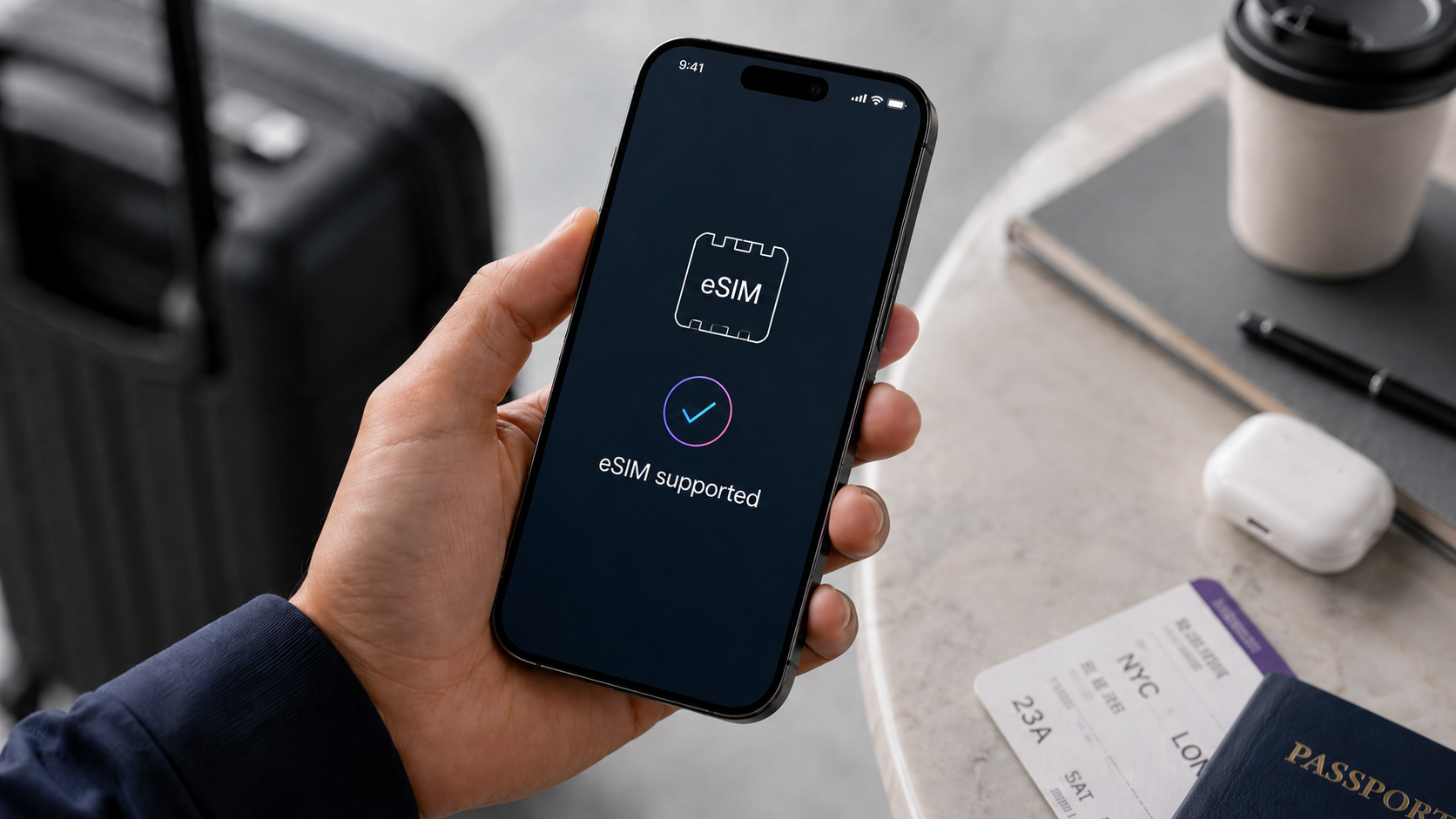
Person checking if their smartphone supports eSIM before using a travel eSIM
eSIM Compatible Phones: How to Check If Your Device Supports eSIM
Before you buy a travel eSIM, there is one important question to answer: does your phone support eSIM?
A travel eSIM can make it much easier to stay connected abroad, but it only works if your device is compatible. Many newer smartphones support eSIM technology, including many iPhone, Samsung Galaxy, Google Pixel, and other Android models. However, compatibility can depend on the exact model, region, carrier lock status, and software settings.
The safest way to check is to use the duasim eSIM compatibility checker before choosing a plan. This helps you confirm whether your device can install and use an eSIM for mobile data abroad.
What does eSIM compatible mean?
An eSIM compatible phone is a device that can install and use a digital SIM profile. Instead of inserting a physical SIM card into your phone, you can download and activate an eSIM digitally.
This allows you to add a mobile data plan to your phone without changing your physical SIM card. For travelers, this is especially useful because you can keep your regular SIM card in your phone and use a travel eSIM for mobile data abroad.
If your phone supports eSIM, you may be able to:
- install a travel eSIM digitally
- use mobile data abroad without a physical SIM card
- keep your normal SIM card active
- switch between mobile data plans in your settings
- store more than one eSIM profile on some devices
- use a country, regional, or global eSIM plan while traveling
If your phone does not support eSIM, you cannot install a digital eSIM plan on that device.
Why checking eSIM compatibility matters before travel
Checking eSIM compatibility before you travel is important because eSIM is not something you can fix by inserting a different card. Your device must have built-in eSIM support.
If you buy an eSIM before checking compatibility and your phone does not support it, you may not be able to install or use the plan. This can create stress, especially if you discover the issue after arriving abroad.
Before you buy a travel eSIM, you should confirm that your phone is:
- eSIM compatible
- unlocked for use with other mobile networks
- updated to a recent software version
- connected to Wi-Fi during installation
- able to add a mobile plan or eSIM in settings
A quick compatibility check before purchase can help you avoid setup problems later.
How to check if your phone supports eSIM
The easiest way to check eSIM compatibility is to search for your device in a compatibility checker. You can use the duasim eSIM compatibility checker to look up your phone model before choosing a plan.
You can also check manually in your phone settings.
On many phones, you can look for options such as:
- Add eSIM
- Add mobile plan
- Add cellular plan
- SIM manager
- Mobile network
- Cellular
- eSIM
- Digital SIM
If your phone has an option to add an eSIM or mobile plan, it may support eSIM. However, the exact wording depends on your phone model and operating system.
Because device support can vary by region and carrier, it is still best to confirm your exact model before buying a prepaid eSIM plan.
How to check eSIM support on iPhone
Many newer iPhone models support eSIM, but the exact features can vary by model and region. Some iPhones support both a physical SIM and eSIM, while some newer models in certain markets may rely more heavily on eSIM.
To check eSIM support on iPhone:
- Open Settings.
- Tap Cellular or Mobile Data.
- Look for Add eSIM or Add Cellular Plan.
- Check whether your iPhone allows you to add a digital SIM.
You can also check your iPhone model name under Settings > General > About and compare it with the duasim eSIM compatibility checker.
Before buying a travel eSIM, make sure your iPhone is unlocked and updated. If your iPhone is locked to a specific operator, it may not accept another mobile data plan.
How to check eSIM support on Samsung Galaxy
Many modern Samsung Galaxy devices support eSIM, especially newer flagship and foldable models. However, support can vary by country, carrier, and device version, so it is important to check your exact model.
To check eSIM support on Samsung Galaxy:
- Open Settings.
- Tap Connections.
- Tap SIM manager.
- Look for Add eSIM.
If you see the option to add an eSIM, your Samsung device may support eSIM installation. You should still confirm your exact model before buying a travel plan, especially if the phone was purchased through a mobile carrier or in a specific regional market.
You can use the duasim eSIM compatibility checker to check your Samsung model before purchasing a plan.
How to check eSIM support on Google Pixel
Many Google Pixel phones support eSIM, but support can still depend on the model, region, and carrier restrictions.
To check eSIM support on Google Pixel:
- Open Settings.
- Tap Network & internet.
- Tap SIMs.
- Look for an option to Add SIM or download a SIM.
- Follow the prompts to see whether eSIM setup is available.
If your Pixel supports eSIM, you can usually install a travel eSIM digitally and use it for mobile data abroad. Before buying a plan, check your exact device model and make sure your phone is unlocked.
How to check eSIM support on other Android phones
Other Android brands may also support eSIM, including selected models from Motorola, Huawei, Oppo, Xiaomi, Sony, and other manufacturers. However, eSIM support on Android can vary more widely by model and region.
To check eSIM support on Android:
- Open Settings.
- Go to Network & internet, Connections, or Mobile network.
- Look for SIM manager, Add eSIM, Add mobile plan, or Download SIM.
- Check your exact phone model in a compatibility checker.
If you cannot find an eSIM option, your phone may not support eSIM, or the feature may not be enabled for your model or region.
Before buying a travel data plan, use the duasim eSIM compatibility checker to confirm support.
Common eSIM compatible phone brands
Many newer smartphones from major brands support eSIM. Common eSIM compatible phone brands may include:
- Apple iPhone
- Samsung Galaxy
- Google Pixel
- Motorola
- Sony
- Huawei
- Oppo
- Xiaomi
- selected tablets and laptops with mobile connectivity
However, brand name alone is not enough. Two phones from the same brand can have different eSIM support depending on model, year, country, and carrier version.
That is why it is better to check your exact device instead of assuming that all phones from a brand are compatible.
Why some phones do not support eSIM
Some phones do not support eSIM because they were designed only for physical SIM cards. Others may have eSIM hardware but limited regional or carrier support.
Your phone may not support eSIM if:
- it is an older model
- it was made for a market where eSIM was not enabled
- it is a budget or entry-level model without eSIM support
- it is locked to a specific mobile operator
- the software does not allow eSIM installation
- the device is not updated
- the manufacturer did not include eSIM functionality
Because of this, checking compatibility before buying is essential.
eSIM compatibility vs unlocked phone: what is the difference?
An eSIM compatible phone and an unlocked phone are not the same thing.
An eSIM compatible phone has the technical ability to install a digital SIM profile.
An unlocked phone can use mobile plans from other networks or providers.
For a travel eSIM to work, your phone should usually be both eSIM compatible and unlocked. If your phone supports eSIM but is locked to one carrier, you may not be able to use a travel eSIM from another provider.
Before you travel, check both:
- whether your device supports eSIM
- whether your phone is unlocked
If you are unsure whether your phone is locked, contact your mobile operator before buying a plan.
Can tablets and laptops support eSIM?
Yes, some tablets and laptops support eSIM, especially models with cellular or mobile connectivity. However, Wi-Fi-only tablets and laptops usually do not support mobile data plans directly.
If you want to use eSIM on a tablet or laptop, check whether the device has cellular connectivity and supports eSIM installation. The settings may look different from a smartphone, depending on the operating system.
For travel, many people use eSIM on their smartphone and share data through hotspot if the plan and device support it. If hotspot is important for your trip, check whether your eSIM plan allows hotspot sharing before you travel.
Can you use eSIM and a physical SIM at the same time?
In many cases, yes. Many modern smartphones support dual SIM functionality, which allows you to keep your physical SIM card active while using an eSIM for mobile data.
This is one of the main benefits of a travel eSIM. You may be able to keep your normal phone number active for calls, SMS, or verification messages while using your eSIM for mobile data abroad.
For example, you can keep your regular SIM card in your phone and use a prepaid eSIM data plan for your destination.
Before traveling, check your phone settings carefully. Make sure your eSIM is selected for mobile data and your primary SIM does not accidentally use expensive roaming data.
Can one phone store multiple eSIMs?
Many eSIM compatible phones can store more than one eSIM profile, but the number varies by device. Some phones can store multiple eSIMs but only use one or two active lines at the same time.
This can be useful if you travel often. You may be able to keep different eSIM profiles for different destinations and activate the one you need for a specific trip.
However, storage and active eSIM limits depend on your phone model. Always check your device settings and manufacturer information if you plan to use several eSIMs.
What to check before buying a travel eSIM
Before buying a travel eSIM, confirm these points:
- your phone supports eSIM
- your phone is unlocked
- your destination is covered
- the data amount fits your needs
- the validity period fits your trip
- your phone can connect to Wi-Fi during installation
- you understand when the plan activates
- hotspot is supported if you need it
- you know which SIM line should be used for mobile data
You can start by checking your phone with the duasim eSIM compatibility checker, then browse duasim eSIM plans by destination.
What happens if your phone is not eSIM compatible?
If your phone does not support eSIM, you will not be able to install a digital eSIM plan on that device.
Your alternatives may include:
- using a physical local SIM card
- using roaming from your home operator
- using Wi-Fi where available
- using hotspot from another compatible device
- upgrading to an eSIM compatible phone before future trips
If you travel often, choosing an eSIM compatible phone can make future trips easier because you can install travel data plans digitally instead of switching physical SIM cards.
eSIM compatible phones and international travel
For international travel, eSIM compatibility can make a big difference. It allows you to prepare your mobile data before departure and connect abroad without searching for a local SIM card after arrival.
An eSIM compatible phone is especially useful if you:
- travel internationally often
- visit several countries in one trip
- want to avoid roaming charges
- need mobile data shortly after landing
- want to keep your regular SIM card in your phone
- prefer prepaid travel data
- use maps, apps, bookings, and messaging abroad
If you are comparing options before a trip, read our guide to eSIM vs roaming for international travel to understand when a travel eSIM may be better than traditional roaming.
How eSIM compatibility helps avoid roaming charges
If your phone supports eSIM, you can use a travel eSIM for mobile data instead of relying on your home operator’s roaming data. This can help you control costs and reduce the risk of unexpected roaming bills.
A travel eSIM is usually prepaid, which means you choose your data plan before using it. This gives you more control than pay-as-you-go roaming or unclear international data rates.
To reduce roaming risk, set your travel eSIM as the mobile data line and turn off data roaming on your primary SIM. If your eSIM plan requires data roaming, enable it only for the eSIM line.
For more practical tips, read our guide on how to avoid roaming charges when traveling abroad.
Choosing an eSIM plan after checking compatibility
Once you know your phone supports eSIM, the next step is choosing the right plan.
Think about:
- your destination
- whether you need one country, regional, or global coverage
- your trip length
- how much data you need
- whether you need hotspot
- whether you want to keep your normal SIM active
- whether your route may change
If you are not sure how much data to choose, read our guide on how much mobile data you need when traveling abroad.
Then you can choose a plan that matches your trip instead of guessing.
Why use the duasim eSIM compatibility checker?
The duasim compatibility checker helps you quickly check whether your device supports eSIM before you buy a plan. This is important because compatibility can change by model, region, and device version.
Instead of relying on general assumptions, you can search for your phone and confirm whether it is listed as eSIM compatible.
Before you buy a travel eSIM, use the duasim eSIM compatibility checker to reduce the risk of setup problems and make sure your device is ready for digital travel data.
Why choose duasim after checking your device?
duasim is designed for travelers who want a simple way to stay connected abroad. Once you know your phone supports eSIM, you can choose a prepaid plan for your destination and prepare your mobile data before departure.
With duasim, you can:
- check whether your device supports eSIM
- browse prepaid eSIM plans for destinations worldwide
- choose country, regional, or global coverage
- install your eSIM digitally
- keep your regular SIM card in your phone
- use mobile data abroad without changing plastic SIM cards
- manage your travel connectivity more easily
For easier access on your phone, you can also download the duasim app and manage your eSIMs while traveling.
Conclusion: check your phone before buying a travel eSIM
An eSIM compatible phone gives you more flexibility when traveling abroad. It allows you to install a digital data plan, keep your regular SIM card in your phone, and use mobile data without buying a physical SIM card after arrival.
But before you buy a travel eSIM, you should always check your exact device. eSIM support can vary by model, region, carrier lock status, and software settings. A quick compatibility check can prevent problems and help you choose the right plan with confidence.
Before your next trip, confirm that your phone supports eSIM, check that it is unlocked, and choose a plan that fits your destination and data needs. You can start by using the duasim eSIM compatibility checker, then choose a prepaid eSIM plan for your destination.
FAQ: eSIM compatible phones
What phones are eSIM compatible?
Many newer smartphones support eSIM, including many iPhone, Samsung Galaxy, Google Pixel, and other Android models. Compatibility depends on the exact model, region, and carrier version, so it is best to check your specific device before buying an eSIM.
How do I check if my phone supports eSIM?
You can check your phone settings for options such as Add eSIM, Add mobile plan, Add cellular plan, or SIM manager. You can also use the duasim eSIM compatibility checker to search for your device.
Does every iPhone support eSIM?
No. Not every iPhone supports eSIM. Many newer iPhone models support eSIM, but older models do not. Always check your exact iPhone model before buying a travel eSIM.
Does every Samsung phone support eSIM?
No. Not every Samsung phone supports eSIM. Many newer Galaxy models support eSIM, but support can vary by model, region, and carrier version.
Can I use eSIM if my phone is locked?
Usually, your phone should be unlocked to use a travel eSIM from another provider. If your phone is locked to one mobile operator, contact your operator before buying an eSIM.
Can I use eSIM and my normal SIM card at the same time?
In many cases, yes. Many modern phones allow you to keep your regular SIM active while using an eSIM for mobile data. This can be useful when traveling abroad.
Do tablets and laptops support eSIM?
Some tablets and laptops with cellular connectivity support eSIM, but Wi-Fi-only devices usually do not. Check your exact model before buying a plan.
Where can I check eSIM compatibility?
You can use the duasim eSIM compatibility checker to check whether your device supports eSIM before choosing a travel plan.